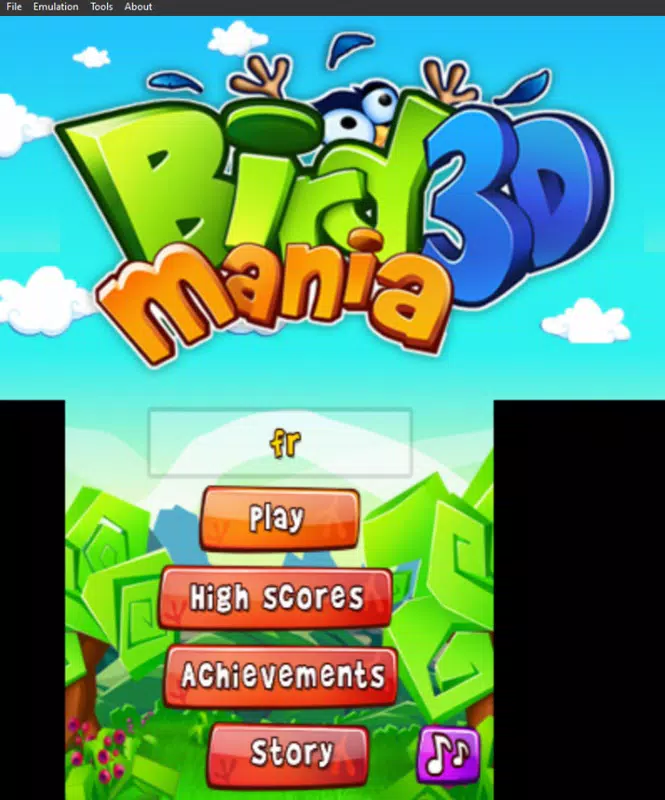

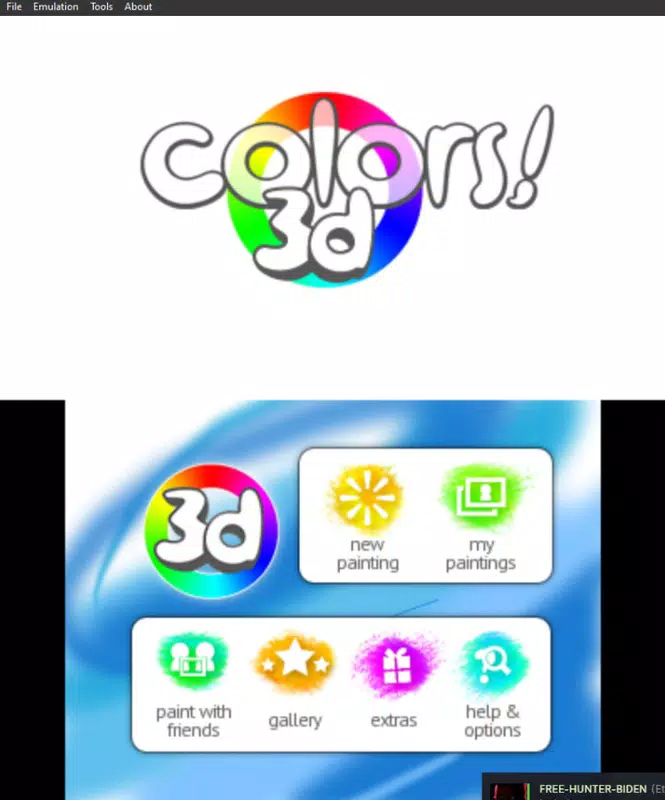

Download Panda3DS – Nintendo 3DS Emulator, C++ Tool, PC Gaming
Overview
Panda3DS is a Nintendo 3DS emulator developed in C++ with the primary goal of enabling users to play a wide range of Nintendo 3DS games on their personal computers. Designed as a lightweight and accessible solution, the app bridges the gap between handheld gaming and PC-based entertainment. Its core purpose lies in delivering an efficient emulation experience with minimal setup, making it ideal for retro gaming enthusiasts, casual players, and tech-savvy users seeking a straightforward way to revisit classic titles. The emulator addresses the challenge of accessing older game libraries without requiring original hardware, offering a modern alternative for preserving and enjoying Nintendo’s 3DS catalog.
Target users include gamers who own 3DS ROMs and wish to play them on larger screens or with enhanced controls, as well as developers and hobbyists interested in emulation technology. The project began as a personal initiative but has grown into a community-driven tool, supported by contributions on GitHub. This collaborative development model has helped improve compatibility and stability over time. Real-world use cases range from casual gaming sessions at home to testing game behavior for modding or preservation purposes. In the broader app ecosystem, Panda3DS fills a niche for lightweight, open-access emulation tools, particularly within the PC gaming and retro gaming communities.
Key Features & Functionality
- User-Friendly Setup: The emulator requires no complex installation. Users simply unzip the files and run the executable as an administrator, allowing immediate access to games.
- Growing Compatibility: Supported games are continuously expanded through community contributions on GitHub, with many major titles running smoothly and visual issues being progressively resolved.
- Lightweight Performance: Engineered to use minimal disk space and system resources, Panda3DS is suitable for mid-range and low-end PCs, ensuring smooth gameplay without heavy hardware demands.
- Drag-and-Drop ROM Launching: Games can be launched by either opening them directly within the emulator or dragging them onto the executable, streamlining the user experience.
- Minimal Configuration Needed: With few settings to adjust, the emulator prioritizes simplicity, allowing users to focus on gameplay rather than technical adjustments.
For example, a user with a collection of 3DS ROMs can quickly launch any game by dragging it onto the Panda3DS executable, eliminating the need for menus or complex configurations. This feature is especially beneficial for those who frequently switch between titles. The minimal setup also reduces barriers for new users unfamiliar with emulation software. The community-driven compatibility improvements mean that over time, more games become playable with fewer graphical or performance issues. This ongoing evolution enhances the long-term value of the tool, making it a practical choice for both casual and dedicated retro gamers.
Interface, UX & Performance
The user interface of Panda3DS is intentionally minimal, focusing on functionality over visual flair. The layout is straightforward, with no elaborate menus or complex navigation paths. Users interact primarily through the executable file and direct ROM loading, which aligns with the app’s emphasis on simplicity. This design philosophy reduces cognitive load and supports rapid access to games, particularly beneficial for users seeking a no-frills experience.
Navigation is direct and intuitive: launching games via drag-and-drop or file opening requires minimal effort. The emulator’s responsiveness is consistent across various device categories, though specific performance metrics were not provided by the developer. Although the developer did not list formal performance metrics, the lightweight nature of the app suggests it operates efficiently on systems with limited resources. Stability appears to be a priority, with ongoing community contributions helping to address bugs and compatibility issues. The absence of intrusive pop-ups or ads further enhances the user experience.
Platform Compatibility & Technical Requirements
Panda3DS is designed for PC platforms, with support confirmed for Windows-based operating systems. The app is distributed as a portable executable, meaning it does not require installation and can be run directly from a folder. The file size is reported as 14.2 MB, indicating a compact footprint ideal for users with limited storage. The software version is 2024-12-25, and the developer has not specified minimum OS requirements or hardware specifications beyond general compatibility with mid-range and low-end systems.
Compatibility information was not fully disclosed, and the developer did not specify whether the app supports macOS or Linux. While the emulator is built in C++, its cross-platform availability remains unclear. Users should ensure their system meets general PC requirements for running emulation software, though no formal thresholds were listed. The lack of detailed technical specifications means users should proceed with caution and test the app on their devices before relying on it for extended use.
Pros and Cons
- Simple, no-install setup with minimal configuration
- Lightweight design suitable for low-end PCs
- Community-driven compatibility improvements
- Drag-and-drop ROM launching for quick access
- Efficient use of disk space and system resources
- Limited customization options due to minimal settings
- Compatibility with specific games may vary
- Developer did not provide detailed system requirements
- Platform availability beyond Windows not confirmed
- Support for newer or more demanding games may be limited
FAQ
Is Panda3DS safe to download and use?
The app is distributed as a portable executable. As with any emulator, users should ensure they have legal rights to the ROMs they intend to run. The software itself does not contain malware, but users should download from trusted sources.
Can I use Panda3DS on macOS or Linux?
The developer did not specify support for macOS or Linux. The app is confirmed to run on Windows, but cross-platform compatibility remains unverified.
Do I need a 3DS game cartridge to use Panda3DS?
No. The emulator runs ROM files, which are digital copies of games. Users must obtain these files legally, typically from their own physical copies.
How often is Panda3DS updated?
Updates are released periodically based on community contributions and bug fixes. The latest version was published on December 25, 2024, but the update frequency is not publicly defined.
Is Panda3DS free to use?
Yes, the emulator is available at no cost. There are no in-app purchases or subscription fees associated with the software.
Final Thoughts
Panda3DS stands out as a streamlined, efficient solution for PC-based Nintendo 3DS gaming. Its minimal setup, lightweight performance, and community-driven development make it a compelling choice for users who value simplicity and accessibility. While it lacks advanced configuration options, this limitation is balanced by its ease of use and low system demands. The app is particularly well-suited for casual gamers, retro enthusiasts, and those exploring emulation without technical overhead.
Despite the absence of detailed technical specifications and platform confirmation beyond Windows, Panda3DS delivers a reliable experience for playing a growing list of supported titles. Its focus on usability and performance ensures that users can enjoy classic 3DS games with minimal friction. For anyone seeking a straightforward way to bring their favorite handheld games to their PC, Panda3DS offers a practical and secure option.
Download Panda3DS now


